Invoice Tracking Guide: How to Monitor Every Invoice from Sent to Paid (2026)
A complete invoice tracking guide for freelancers and small businesses — learn how to track invoice status, reduce overdue payments, and automate follow-ups.
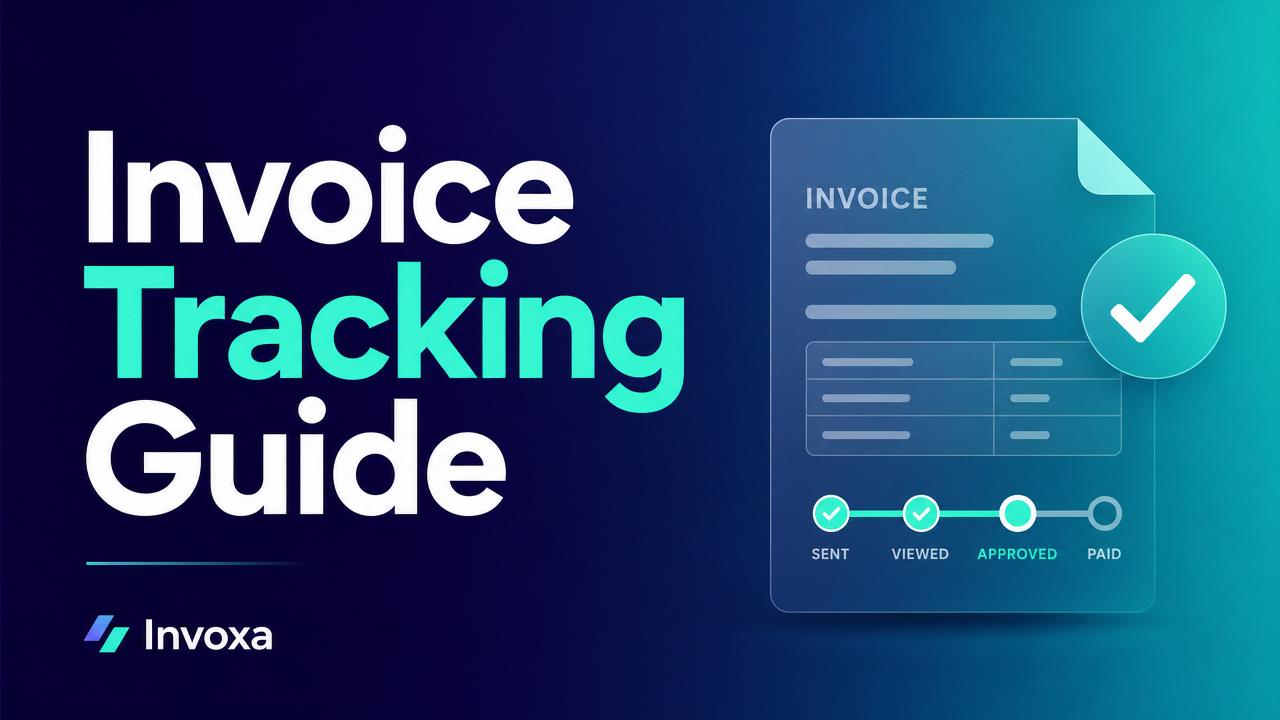
Invoice Tracking Guide: How to Monitor Every Invoice from Sent to Paid
Most late payments don't happen because clients refuse to pay — they happen because no one is watching the invoice. An invoice tracking system tells you exactly where every invoice is right now: sent, viewed, overdue, or paid.
This guide breaks down what invoice tracking is, why it matters, and how to build a lightweight system that gets you paid faster in 2026.
What is invoice tracking?
Invoice tracking is the process of monitoring the full lifecycle of every invoice you send — from the moment it leaves your inbox to the moment the money lands in your bank account. It answers four questions at any time:
- Did the client receive it?
- Did they open it?
- Is it overdue?
- Has it been paid?
Why invoice tracking matters
- Cash flow visibility — you know what's coming in, when.
- Fewer overdue payments — automated reminders trigger before invoices go past due.
- Better client relationships — you follow up with facts, not guesses.
- Cleaner books — every invoice has a status, not a Post-it note.
According to industry benchmarks, small businesses that track invoices with software get paid 2–3× faster than those relying on spreadsheets.
The 5 invoice statuses you must track
| Status | What it means | Action |
|---|---|---|
| Draft | Not sent yet | Finalize and send |
| Sent | Delivered to client | Wait for view / due date |
| Viewed | Client opened the invoice | Note the timestamp |
| Overdue | Past due date | Send reminder |
| Paid | Payment received | Reconcile & thank client |
How to track invoices — 3 methods compared
1. Spreadsheet tracking
Free, but manual. You'll miss reminders and mistype amounts.
2. Email + folders
Works for 5 invoices/month. Breaks at 20+.
3. Invoicing software (recommended)
Automatic status updates, view tracking, reminders, and payment reconciliation. See our free invoice generator or use Invoxa to track invoices end-to-end.
Setting up an invoice tracking workflow
- Number every invoice sequentially (INV-2026-001).
- Set a clear due date — Net 15 or Net 30 is standard.
- Send with a payment link so clients can pay in one click.
- Enable view tracking so you know when it's been opened.
- Schedule reminders — 3 days before due, day of, 7 days overdue.
- Reconcile payments the day they arrive.
Automating follow-ups
Manual chasing kills your week. Set these three automatic reminders and you'll rarely need to send one yourself:
- T-3 days — friendly "just a heads up" nudge.
- Day 1 overdue — polite reminder with payment link.
- Day 7 overdue — firm follow-up, cc the accounts contact.
Common invoice tracking mistakes
- Using the same invoice number twice.
- Not recording partial payments — see our guide on partial payments.
- Forgetting to mark cash/bank-transfer invoices as paid.
- No backup copy of sent invoices.
FAQ
How do I track if a client viewed my invoice? Use invoicing software that adds a tracking pixel or a public payment link — both log the exact time the invoice was opened.
What's the best free invoice tracker? For small volumes, our free invoice generator works. For automated tracking with reminders, sign up for Invoxa.
How long should I wait before sending a payment reminder? Send a soft reminder 3 days before the due date, and a firm one the day after it becomes overdue.
Can I track invoices across multiple currencies? Yes — see our multi-currency invoicing guide.
Wrap-up
Invoice tracking isn't optional in 2026 — it's the difference between predictable cash flow and constant chasing. Start with the 5-status model, automate reminders, and let software do the follow-up work for you.