AI Receipt Scanner: Auto-Extract Expenses in Seconds
Snap a receipt, get a clean expense entry. Invoxa's AI receipt scanner extracts vendor, date, total and tax automatically — no typing, no spreadsheets.
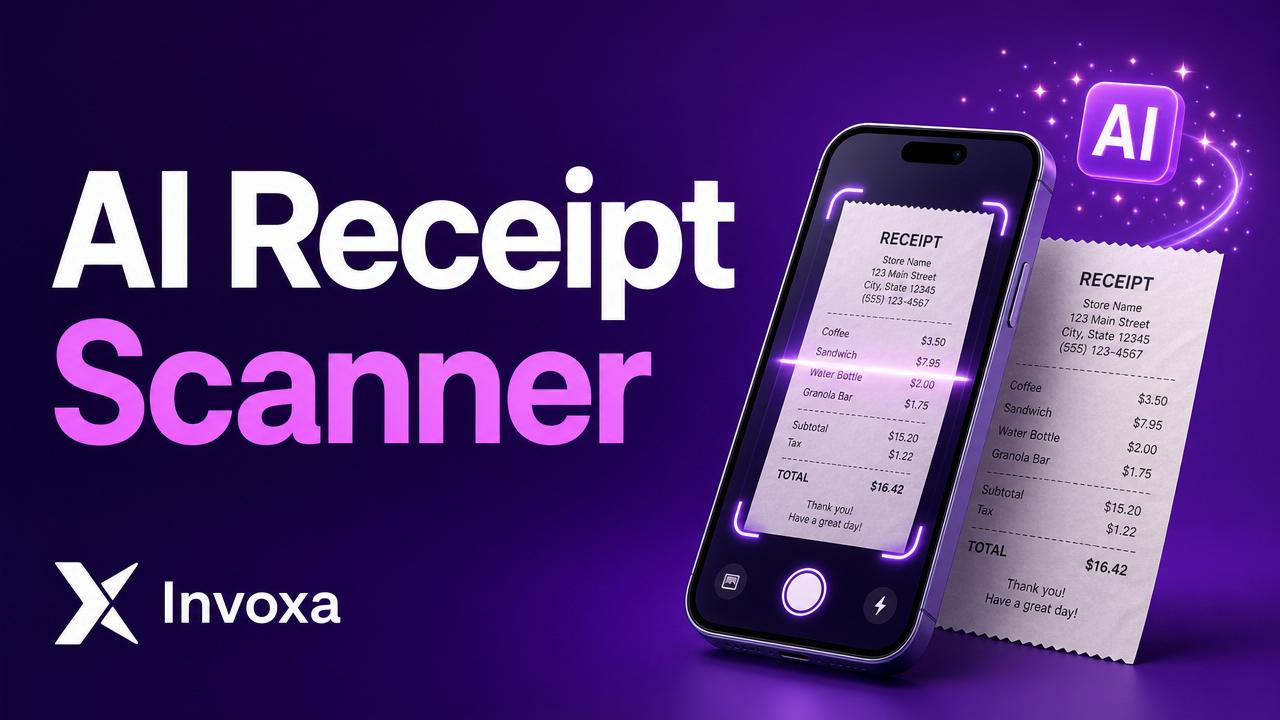
AI Receipt Scanner: Auto-Extract Expenses in Seconds
Manually typing receipts into a spreadsheet is the worst part of running a small business. An AI receipt scanner does the work for you: snap a photo, get a structured expense entry in seconds.
Here's how modern AI receipt scanners work, what to look for, and how Invoxa's built-in scanner saves you hours every month.
What an AI receipt scanner does
It reads a photo or PDF of a receipt and pulls out the fields that matter:
- Vendor / merchant name
- Date of purchase
- Total amount
- Tax / VAT / GST
- Currency
- Category (food, travel, software, etc.)
No more squinting at faded thermal paper. No more "was that $12.40 or $124?".
Old OCR vs. AI receipt scanners
Traditional OCR (optical character recognition) just turns the image into raw text — you still have to figure out which line is the total. Modern AI scanners use vision-language models that understand receipt structure: they know "Subtotal", "Tax", and "Total" are different things, and handle handwritten notes, multiple languages, and weird formats.
What makes a good receipt scanner
| Feature | Why it matters |
|---|---|
| Multi-format input | Photo, PDF, email forward — all should work |
| Auto-categorization | Saves manual sorting at tax time |
| Currency detection | International travel = no manual fixes |
| Edit before save | AI is great, not perfect — you need a quick edit screen |
| Bulk upload | Drop 50 receipts at once after a trip |
| Export to CSV / accounting | Hand off to your accountant in one click |
How Invoxa's scanner works
Inside Invoxa, the Scanner is built into the same app as invoicing — so receipts and expenses live next to revenue:
- Snap a photo or upload a PDF
- AI extracts vendor, date, total, tax, and category
- Review (usually nothing to change), hit save
- The expense lands in your reports, ready for tax season
That's it. The average receipt takes about 4 seconds to log.
Why this matters for small businesses
- Tax deductions you actually claim — paper receipts you "meant to file" usually never get filed
- Cleaner books — no end-of-quarter scramble
- Faster reimbursements — employees scan, you approve, done
- One source of truth — invoices + expenses + receipts in one app
Try the AI receipt scanner free →
TL;DR
- AI receipt scanners replace manual data entry with one photo
- Look for auto-categorization, multi-currency, and bulk upload
- Invoxa's scanner is built into the same app as invoicing — free to try