AI
Expenses
Receipts
AI Receipt Scanner: Auto-Extract Expenses in Seconds (2026)
July 16, 2026
Snap a photo, get a fully categorized expense. Invoxa's AI receipt scanner extracts vendor, amount, tax, and date in seconds — free.
What is an AI receipt scanner?
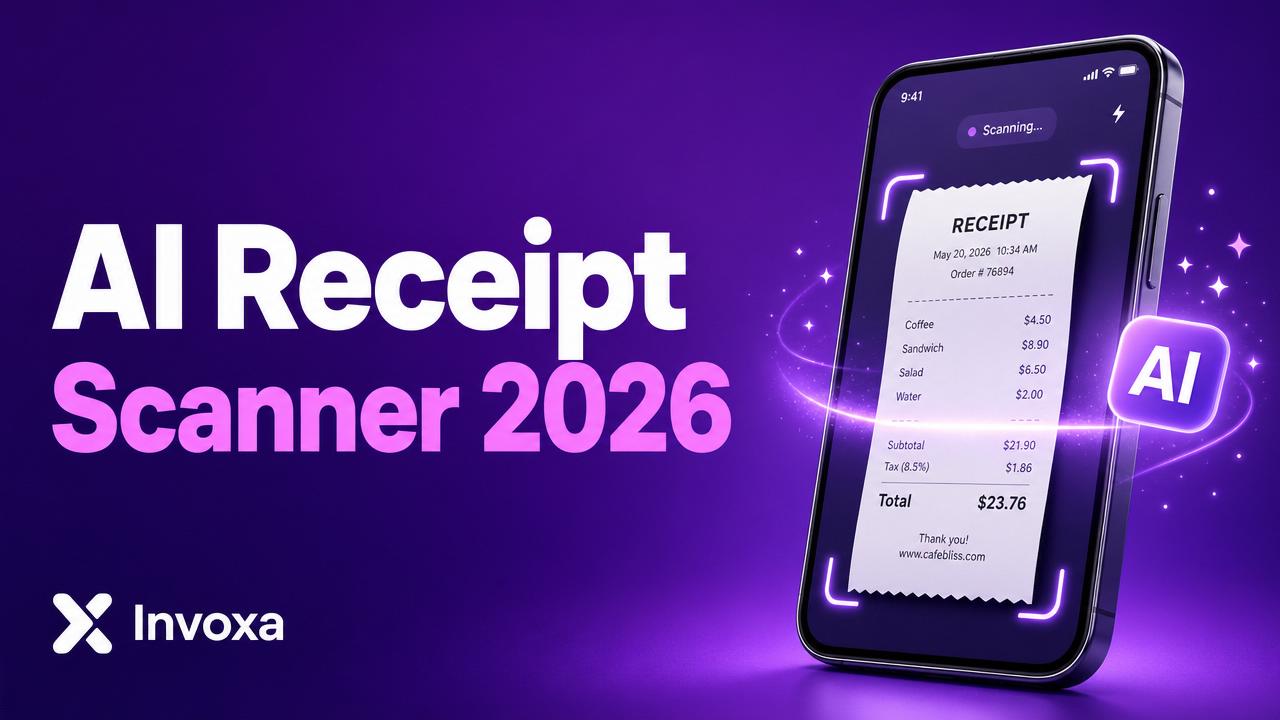
An AI tool that reads a photo or PDF of a receipt and extracts the vendor, total, tax, and date automatically — no typing required.
Why it matters for small businesses
- Save hours per month on manual data entry.
- Never lose a tax-deductible expense again.
- Keep receipts organized for tax season and audits.
How Invoxa's AI receipt scanner works
- Open the Scanner.
- Upload a photo or PDF (or drag & drop).
- AI extracts vendor, amount, tax, currency, and date in seconds.
- Review, edit if needed, and save as an expense.
- Attach it to a project, client, or category.
What makes it different
- Free — included on every plan, no per-scan fees.
- Handles crumpled paper, faded ink, foreign currencies.
- Works with email receipts too (forward to your inbox).
- Exports to CSV for your accountant.