Comparison
QuickBooks
Invoicing
Invoxa vs QuickBooks: The Honest 2026 Comparison
July 1, 2026
QuickBooks is the accounting giant — but is it overkill for freelancers? Compare Invoxa vs QuickBooks on price, features, and ease of use.
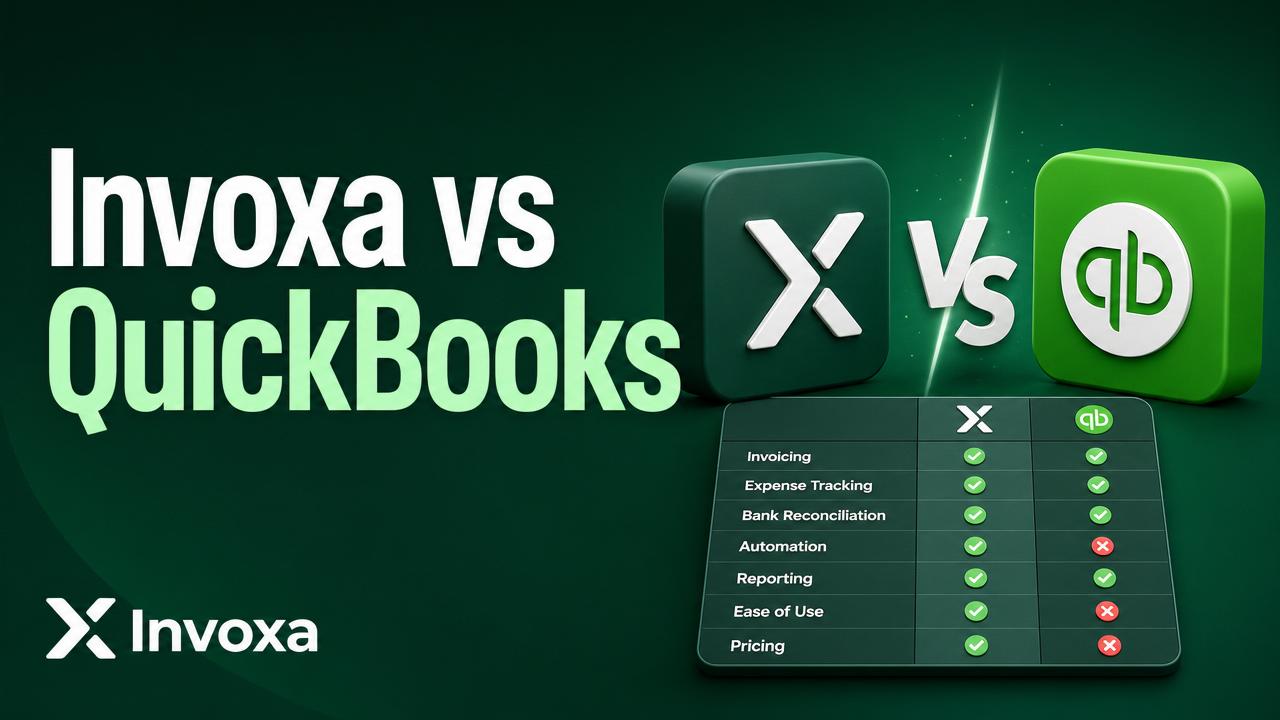
Quick verdict
- Choose Invoxa if you send invoices, track expenses, and want to get paid — without learning accounting.
- Choose QuickBooks if you need full bookkeeping, payroll, and tax filing built in.
Pricing (2026)
| Plan | Invoxa | QuickBooks Online |
|---|---|---|
| Free | ✅ 5 invoices/mo | ❌ 30-day trial only |
| Entry | $5/mo unlimited | $35/mo Simple Start |
| Mid | $14/mo teams | $65/mo Essentials |
Feature comparison
- Invoicing: Both cover branded invoices, recurring billing, and online payments. Invoxa is faster to set up.
- Expenses: Invoxa includes a free AI receipt scanner. QuickBooks requires photo upload + manual categorization on lower plans.
- Reports: QuickBooks wins for P&L, balance sheet, and tax packs. Invoxa focuses on revenue, expenses, and outstanding invoices.
- Payments: Invoxa supports Stripe, Razorpay, PayPal globally. QuickBooks payments are US-first.
Who wins?
For freelancers and small business owners who just want to invoice clients and track expenses, Invoxa is faster, cheaper, and easier. QuickBooks is a better fit when you have an accountant and need full books.