Comparison
Invoicing
Xero
Invoxa vs Xero: Which Is Better for Freelancers & Small Businesses? (2026)
July 1, 2026
A no-fluff comparison of Invoxa and Xero across pricing, invoicing, expenses, AI features, and ease of use — so you can pick the right tool.
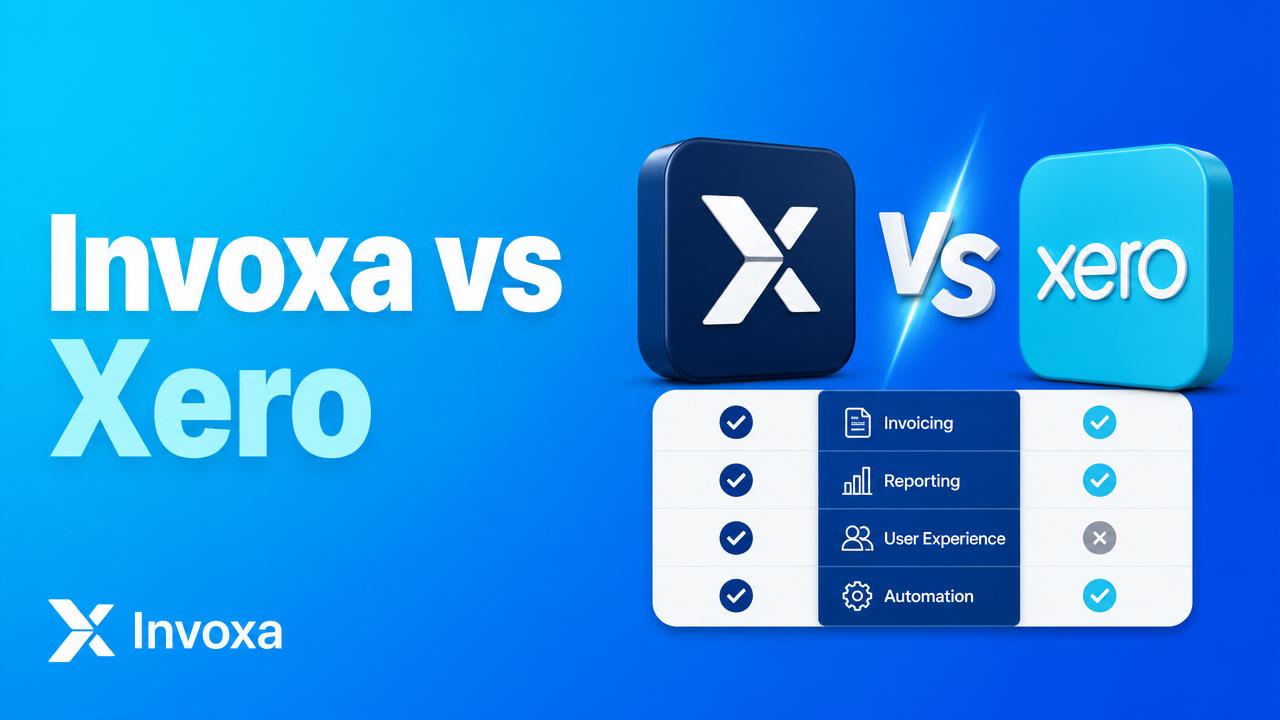
Invoxa vs Xero at a glance
| Feature | Invoxa | Xero |
|---|---|---|
| Starting price | Free (5 invoices/mo) | $20/mo (Starter) |
| Best for | Freelancers, solopreneurs, small teams | Accountants, growing SMBs |
| Learning curve | Minutes | Days to weeks |
| AI receipt scanner | Built-in, free | Hubdoc add-on |
| Multi-currency | Yes | Yes (paid plan) |
| Online payments | Stripe, Razorpay, PayPal | Stripe, GoCardless |
| Setup time | 60 seconds | 1–2 hours |
When to choose Invoxa
- You want to send a professional invoice in under a minute.
- You need an AI receipt scanner without paying extra.
- You prefer a modern, minimal UI over accounting-first workflows.
- Your budget is $0 to start.
When to choose Xero
- You work with an accountant who already uses Xero.
- You need double-entry bookkeeping, payroll, and full financial reports.
- You have 10+ employees or complex reconciliations.
The bottom line
Xero is a full accounting platform built for accountants. Invoxa is built for the person actually sending the invoice. If you spend more time invoicing clients than reconciling ledgers, Invoxa gets you paid faster with zero setup.
👉 Try Invoxa free — no credit card needed.