Invoice vs Receipt: What's the Difference? (2026 Guide)
Confused about invoices and receipts? Learn the key differences, when to use each, and how Invoxa helps freelancers and businesses manage both.
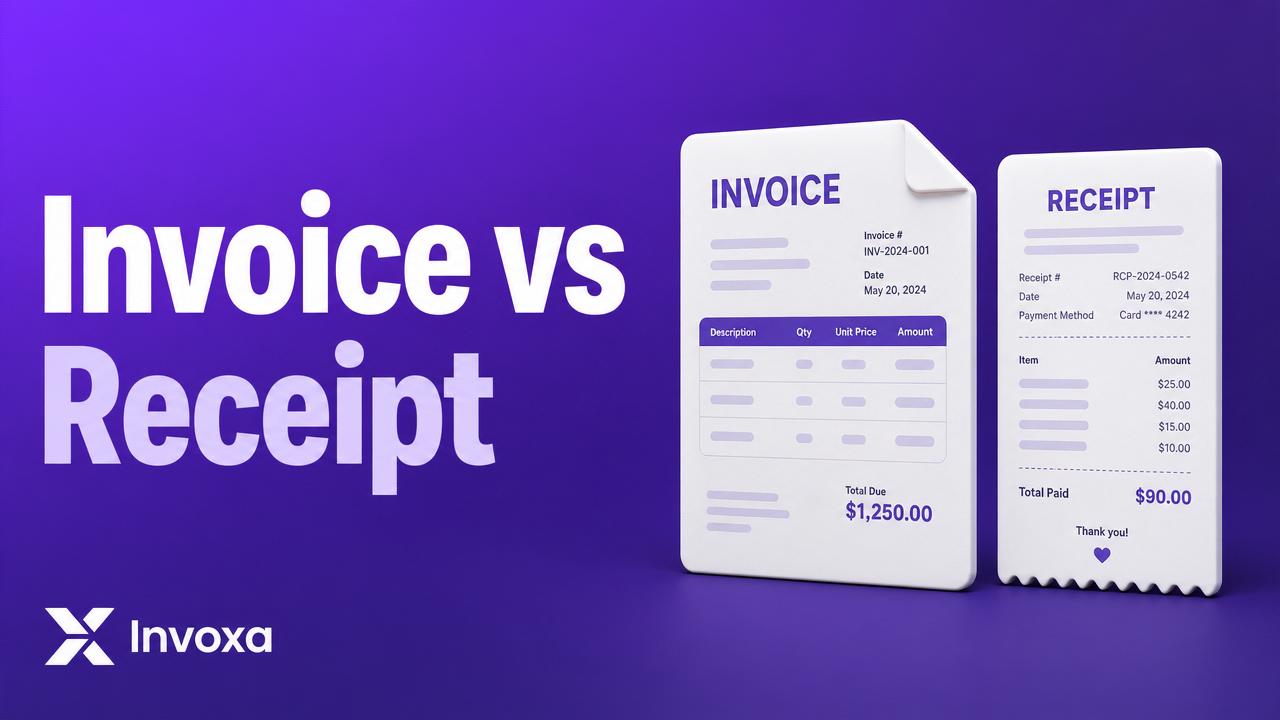
If you're a freelancer, consultant, or small business owner, you've probably come across both invoices and receipts. While they're closely related, they serve different purposes.
Understanding the difference helps you manage your finances, maintain accurate records, and build a professional relationship with your clients.
In this guide, we'll explain what invoices and receipts are, when to use them, and how they work together.
What Is an Invoice?
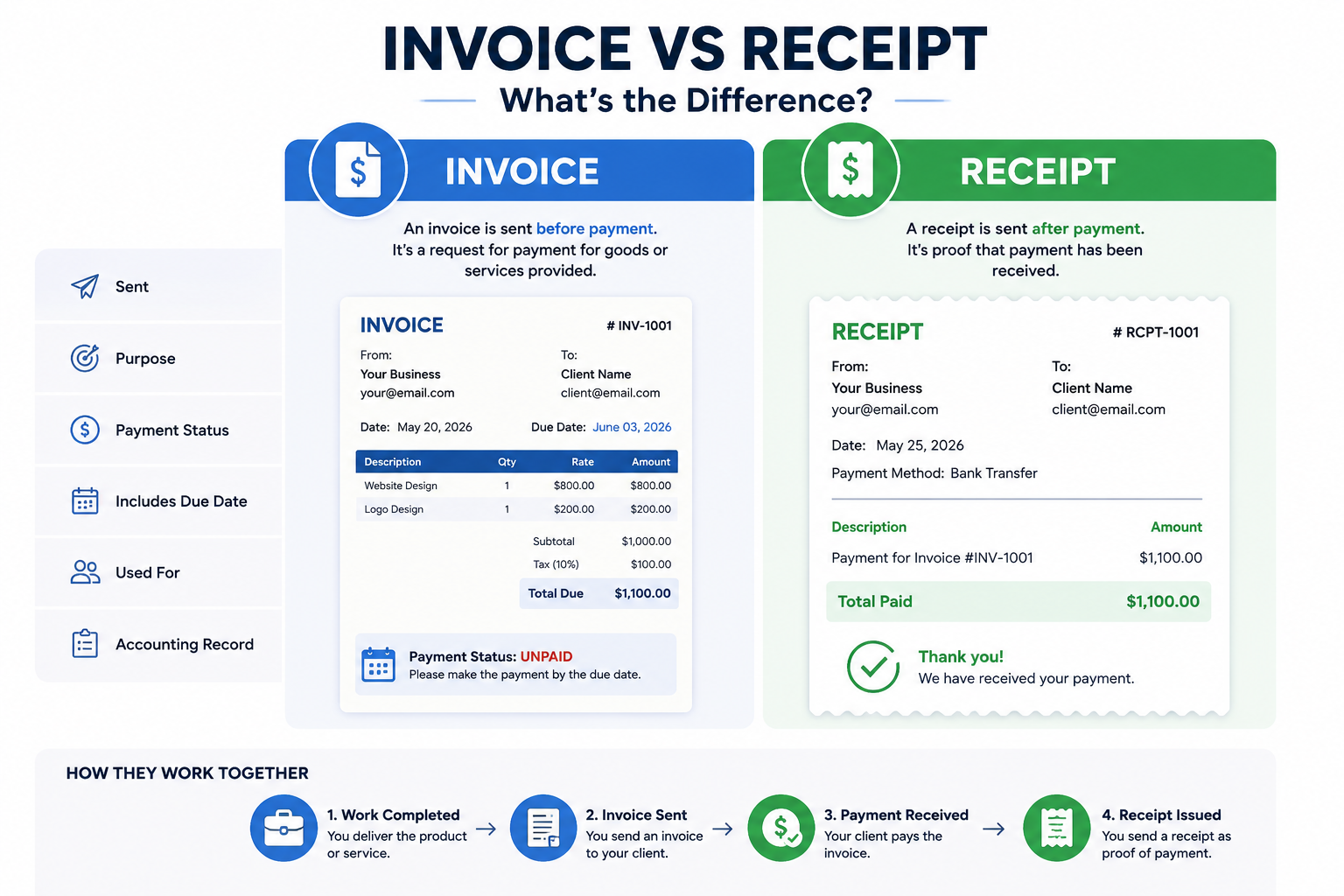
An invoice is a document sent before payment. It requests payment for products or services you've provided.
Invoices include details such as:
- Invoice number
- Business information
- Client details
- Description of products or services
- Quantity
- Price
- Taxes (if applicable)
- Total amount due
- Payment due date
An invoice tells your client: "Here's what I provided. Please make payment."
What Is a Receipt?
A receipt is issued after payment has been received. It confirms that payment has been completed and acts as proof of the transaction.
A receipt typically includes:
- Receipt number
- Payment date
- Amount paid
- Payment method
- Customer details
- Business details
A receipt tells your customer: "Thank you. We've received your payment."
Invoice vs Receipt: Quick Comparison
| Feature | Invoice | Receipt |
|---|---|---|
| Sent | Before payment | After payment |
| Purpose | Request payment | Confirm payment |
| Payment Status | Unpaid | Paid |
| Includes Due Date | ✅ Yes | ❌ No |
| Used For | Billing clients | Payment confirmation |
| Accounting Record | Accounts Receivable | Completed Transaction |
When Should You Send an Invoice?
Send an invoice when you:
- Complete a project
- Deliver products
- Finish a milestone
- Provide professional services
- Charge recurring customers
Freelancers typically send invoices immediately after completing work. If you're new to this, our guide on how to invoice as a freelancer for the first time walks through the exact steps.
When Should You Send a Receipt?
Issue a receipt after:
- Bank transfer
- PayPal payment
- Razorpay payment
- Credit card payment
- Cash payment
Providing receipts helps customers maintain accurate financial records — and if you receive lots of paper receipts, an AI receipt scanner can automatically extract the expenses for you.
Can an Invoice Become a Receipt?
Yes. Once your client pays the invoice, many invoicing platforms automatically mark it as Paid. Some businesses also generate a separate receipt for the completed payment.
Why Both Documents Matter
Using invoices and receipts properly helps you:
- Stay organized
- Track unpaid invoices
- Reduce accounting errors
- Prepare for tax filing
- Maintain professional records
They also make it easier to resolve payment disputes. If clients are slow to pay, a good late payment reminder email template can move things along quickly.
Common Mistakes
Avoid these mistakes:
- ❌ Sending a receipt before receiving payment
- ❌ Forgetting to include an invoice number
- ❌ Using the same numbering system incorrectly
- ❌ Not recording payment dates
- ❌ Losing payment records
Which One Do Freelancers Need?
The answer is both. A typical workflow looks like this:
- Complete the work.
- Send an invoice.
- Receive payment.
- Issue a receipt (if needed).
- Record the transaction.
This process keeps your finances organized and provides clear documentation for both you and your clients. Many freelancers use a free invoice generator to create the invoice, then let the platform handle the receipt automatically.
How Invoxa Helps
With Invoxa.live, you can:
- Create professional invoices in minutes
- Track invoice status (Draft, Sent, Paid, Overdue)
- Manage clients in one place
- Monitor business expenses
- Scan receipts with AI
- Download PDF invoices
- Accept online payments via PayPal and Razorpay
Whether you're a freelancer or a growing business, Invoxa helps simplify your billing workflow. See our pricing plans to get started.
👉 Start creating professional invoices with Invoxa.live today.
Frequently Asked Questions
Is an invoice proof of payment? No. An invoice requests payment but does not confirm that payment has been received.
Is a receipt legally required? Requirements vary by country and transaction type. In many cases, businesses provide receipts to confirm completed payments and help customers maintain records.
Can freelancers issue receipts? Yes. Freelancers can issue receipts after receiving payment from clients.
Do I need both an invoice and a receipt? For many businesses and freelancers, using both provides a clear record of billing and payment.
Can I create invoices online for free? Yes. Platforms like Invoxa.live allow you to create professional invoices online quickly.