Invoice Approval Workflow: Steps, Best Practices & Automation (2026 Guide)
A complete guide to the invoice approval workflow — the 5 steps, common bottlenecks, best practices, and how AI automation cuts approval time from days to minutes.
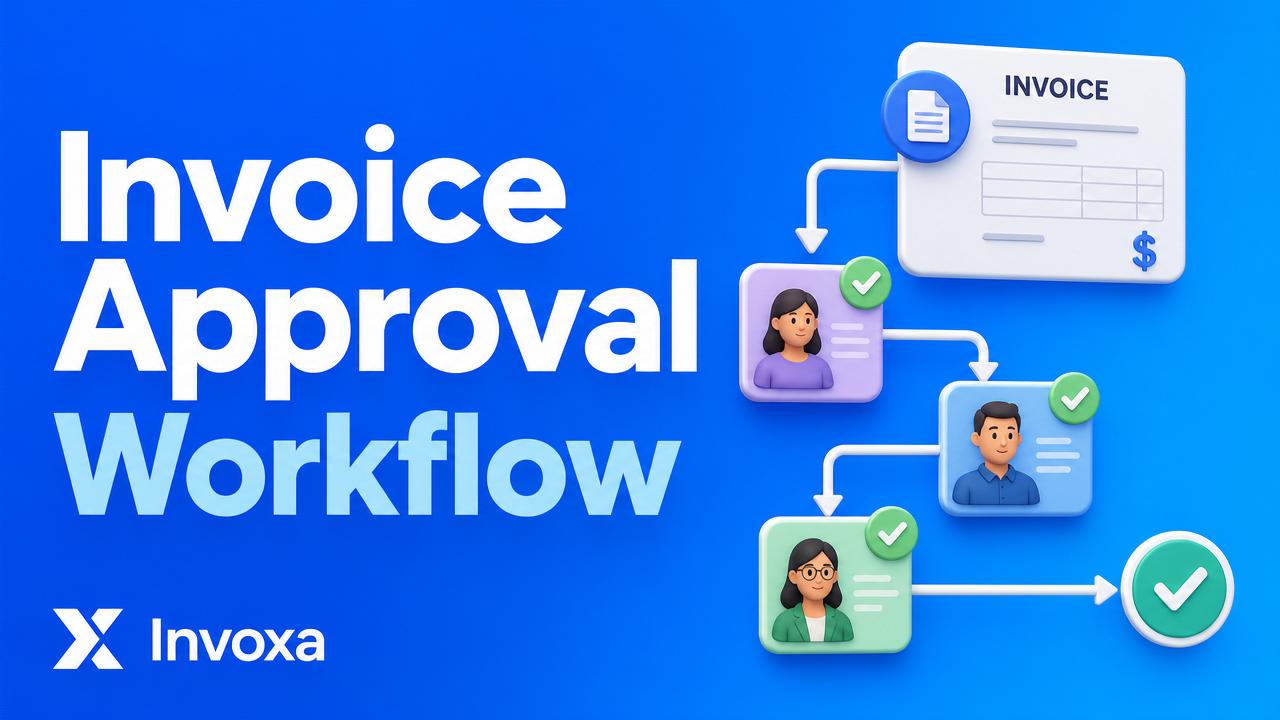
An invoice approval workflow is the structured process a business uses to review, verify, approve, and pay a supplier invoice. A well-designed workflow prevents duplicate payments, catches fraud, keeps vendors happy, and gives finance leaders real-time visibility into cash outflows.
In this guide, you'll learn exactly how the invoice approval process works, the 5 core steps, common bottlenecks, and how modern tools like Invoxa automate the entire flow.
What is an invoice approval workflow?
An invoice approval workflow is the sequence of checks and authorizations an invoice must pass through — from the moment it arrives from a vendor to the moment it's paid. It typically involves the accounts payable (AP) team, department managers, and finance leaders, each validating a different aspect of the invoice.
The goal is simple: pay the right vendor, the right amount, at the right time — with a full audit trail.
Why does the invoice approval process matter?
- Prevents fraud & duplicate payments — every invoice is matched against a purchase order and receipt.
- Ensures compliance — approvals create a defensible paper trail for auditors, GST/VAT filings, and SOX.
- Improves vendor relationships — faster approvals mean on-time payments and early-payment discounts.
- Protects cash flow — finance can forecast outflows accurately when invoices move on a predictable timeline.
- Frees up your team — automated workflows eliminate 60–80% of manual AP work.
The 5 steps of an invoice approval workflow
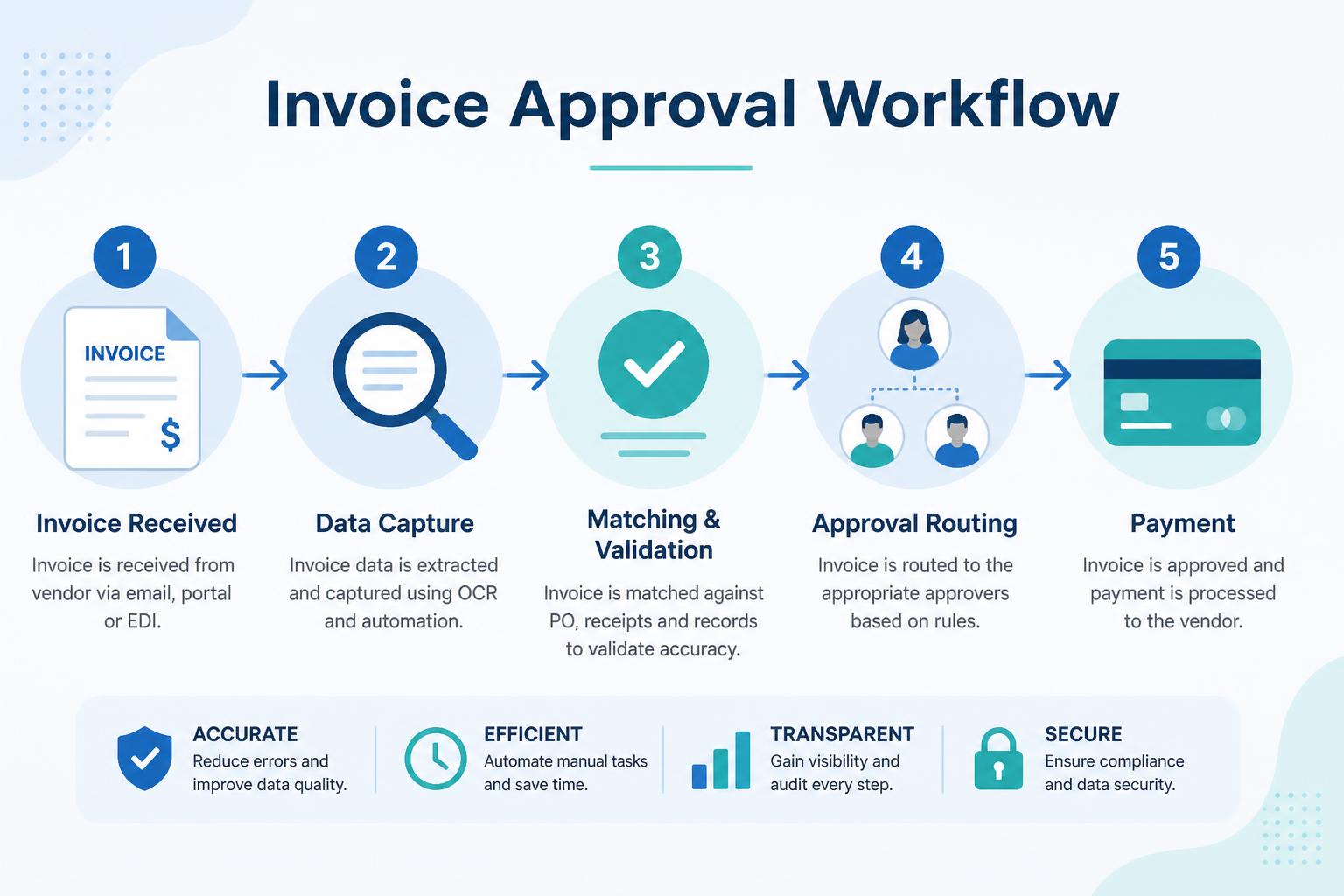
1. Invoice received
The invoice arrives via email, vendor portal, EDI, or paper. It's logged in the AP system with a unique reference number.
2. Data capture
Header fields (vendor, date, invoice #, amount, tax) and line items are extracted — manually, or automatically using OCR and AI. Modern tools like Invoxa's AI receipt scanner capture data in seconds with 99%+ accuracy.
3. Matching & validation
The invoice is compared against the purchase order (PO) and the goods receipt note (GRN) — the classic 3-way match. Discrepancies (wrong price, missing items, duplicate) are flagged for exception handling.
4. Approval routing
The invoice is routed to the right approvers based on rules: department, GL code, amount thresholds, project owner. Multi-level approvals happen in parallel or sequentially depending on policy.
5. Payment
Once approved, the invoice moves to the payment queue and is settled via bank transfer, card, or a payment gateway. The AP system updates the ledger and closes the loop with the vendor.
Manual vs automated invoice approval
| Manual workflow | Automated workflow | |
|---|---|---|
| Avg. approval time | 10–25 days | Minutes to 2 days |
| Cost per invoice | $12–$40 | $2–$5 |
| Error rate | 3–10% | < 0.5% |
| Audit trail | Email + spreadsheets | Timestamped, immutable |
| Fraud detection | Reactive | Real-time AI checks |
| Early-payment discounts captured | Rare | Consistent |
Common bottlenecks in the approval process
- Lost invoices buried in a manager's inbox.
- Missing POs — vendor billed without an approved order.
- Approver unavailability — no delegation rules for holidays.
- Coding errors — wrong GL, department, or project.
- Manual re-keying into the accounting system.
Each bottleneck adds days to the cycle and risks late fees or damaged vendor trust.
Best practices for a bulletproof approval workflow
- Centralize invoice intake — one email address or portal, not five.
- Standardize PO numbers on every invoice.
- Set clear approval thresholds (e.g. < $1k = manager, > $10k = CFO).
- Enable mobile approvals so managers can approve from their phone.
- Use delegation rules for out-of-office scenarios.
- Automate 3-way matching — don't rely on humans for arithmetic.
- Track cycle time as a core AP KPI and set targets (e.g. < 5 days).
- Review exceptions weekly to identify systemic issues.
How Invoxa automates the invoice approval workflow
Invoxa combines AI receipt scanning, custom approval rules, and one-click payments into a single workspace:
- AI capture — snap or forward any invoice; Invoxa reads it and creates a draft in seconds.
- Custom rules — route by amount, department, vendor, or GL code.
- Ask Invoxa — ask "which invoices are waiting for my approval?" in plain English.
- Full audit trail — every approval, comment, and edit is timestamped.
- Integrated payments — approve and pay via Stripe or Razorpay in the same screen.
Try it free at invoxa.live — or generate a compliant invoice right now with our free invoice generator.
Frequently asked questions
What is a 3-way match in invoice approval?
A 3-way match compares three documents: the purchase order, the goods receipt note, and the vendor invoice. All three must agree on quantity, price, and item description before the invoice is approved for payment.
How long should invoice approval take?
Best-in-class AP teams approve invoices in 2–5 days. Manual, paper-based teams average 10–25 days. Automation with tools like Invoxa can compress this to minutes for low-risk invoices.
Who approves invoices in a company?
Typically the department manager or budget owner for the expense, with escalation to finance leadership (Controller, CFO) above defined thresholds. AP handles data entry and payment execution.
What's the difference between invoice approval and invoice processing?
Invoice processing covers the full lifecycle (receipt → payment). Invoice approval is the subset where reviewers authorize the invoice for payment.
Can small businesses automate invoice approvals?
Yes. Cloud tools like Invoxa offer AI-powered approval workflows on affordable plans — no ERP required. Small teams see the biggest time savings because they lack dedicated AP staff.
What documents are needed for invoice approval?
The invoice itself, the matching purchase order, and the goods/services receipt confirmation. For international trade, add the commercial invoice and shipping documents.
Ready to eliminate approval bottlenecks?
Stop chasing approvals over email. Sign up for Invoxa and get AI-powered invoice workflows, automated matching, and integrated payments in one place.